
Common Applications for Random IP Addresses
Random IP address generation serves as a critical tool in various IT, development, and cybersecurity workflows. It allows professionals to simulate network traffic, test configurations, and ensure software robustness without impacting live systems. By providing safe, synthetic data, this tool helps bridge the gap between theoretical network design and practical, real-world testing scenarios.
- Software Development & Testing: Developers use generated IPs to test applications that handle user geolocation, rate-limiting, IP-based access controls, and session management. It ensures features work correctly across a diverse range of simulated source addresses.
- Network Configuration & Simulation: Network engineers and students generate IP blocks to design subnets, plan addressing schemes, configure routers and firewalls, or model complex network topologies in lab environments like GNS3 or Cisco Packet Tracer.
- Cybersecurity Training & Penetration Testing: Security professionals utilize random IPs to simulate attack sources in controlled environments, test intrusion detection systems (IDS/IPS), and train on log analysis without using real, potentially harmful addresses.
- Data Analysis & Anonymization: Analysts and researchers can replace sensitive real IP addresses in datasets with generated ones for anonymization purposes, allowing for safe data sharing and analysis while preserving the structure of network-related data.
- Load Testing & Performance Monitoring: QA teams can simulate traffic from thousands of unique IP addresses to stress-test web servers, APIs, and network infrastructure, checking how systems handle concurrent connections and distributed requests.
- Educational Demonstrations: Instructors and learners generate IPs to demonstrate concepts like IP classes, subnet masks, CIDR notation, and the differences between IPv4 and IPv6 addressing in a clear, hands-on manner.
- Content Localization Testing: Marketing and web teams test how websites, ads, or content delivery networks (CDNs) behave for users from different geographic regions by simulating access from various IP ranges.
Understanding IP Addresses: IPv4 vs. IPv6
An Internet Protocol (IP) address is a unique numerical label assigned to each device connected to a computer network that uses the Internet Protocol for communication. It serves two primary functions: network interface identification and location addressing. The transition from IPv4 to IPv6 represents one of the most significant evolutions in internet infrastructure, driven by the exhaustion of IPv4 addresses.
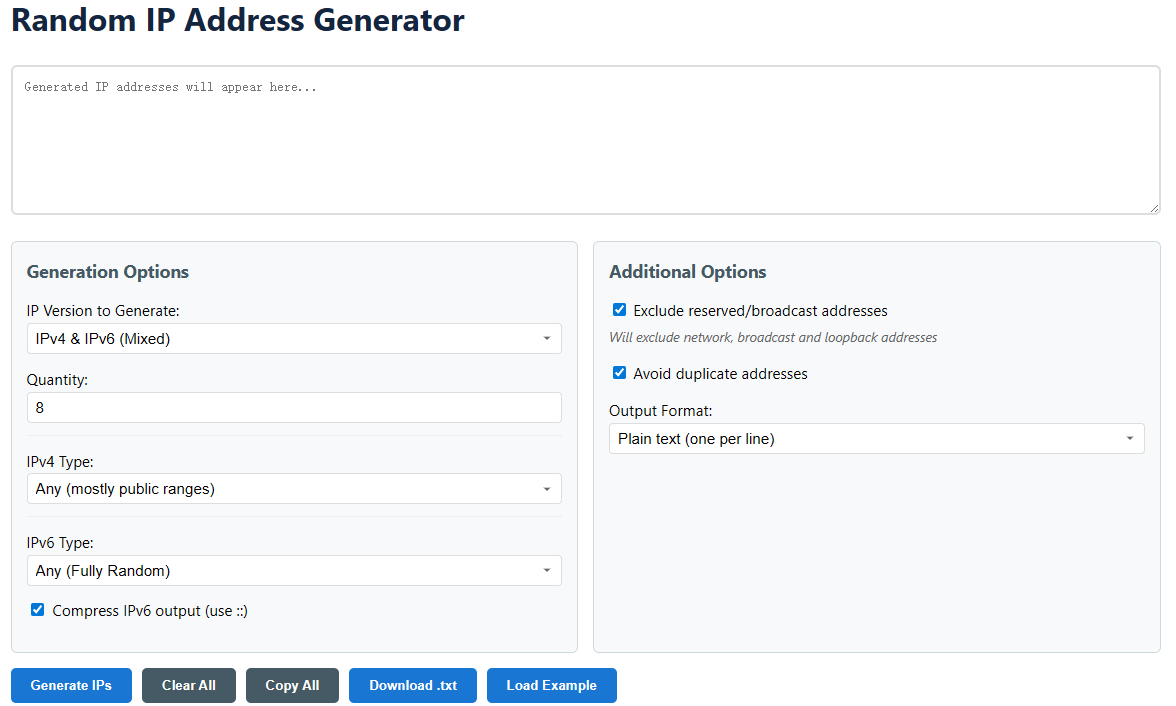
IPv4 (Internet Protocol version 4) uses a 32-bit address scheme, allowing for approximately 4.3 billion unique addresses. It is expressed in dotted-decimal notation (e.g., 192.168.1.1). Due to its limited space, techniques like Network Address Translation (NAT) and private address ranges (like 10.0.0.0/8) were created to extend its usability. Our generator allows you to create both public and these specific private IPv4 ranges.
IPv6 (Internet Protocol version 6) was developed as a successor to address the limitations of IPv4. It uses a 128-bit address space, providing an astronomically larger number of unique addresses (approximately 3.4×10^38). It is expressed in hexadecimal notation, separated by colons (e.g., 2001:0db8:85a3:0000:0000:8a2e:0370:7334). A key feature is address compression, where leading zeros and consecutive zero blocks can be replaced with a double colon (::). Our tool includes an option to apply this compression for cleaner, standard-compliant output.